
 Join our Discord
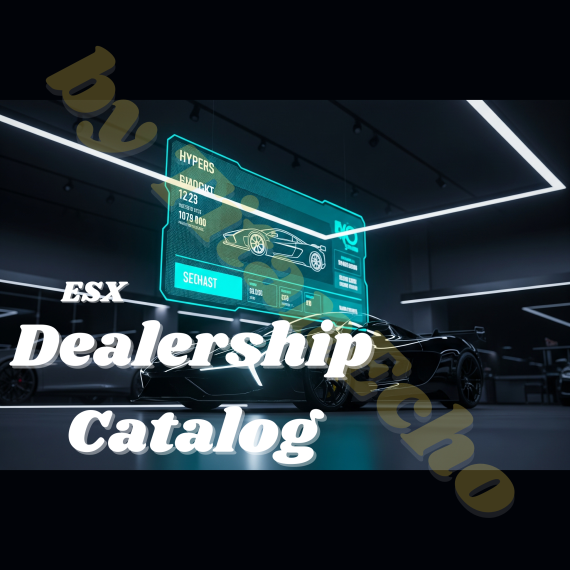
Transform the dealerships on your server from static map objects into dynamic, player-run businesses! Our Advanced Dealership Catalog gives your players a powerful tool to manage their own vehicle showrooms—all through a stunning, futuristic in-game menu.
This script is designed to take your server's economy and roleplay to the next level. Offer your players the chance to build their business empire and showcase their exclusive vehicles in style.
✨ Key Features
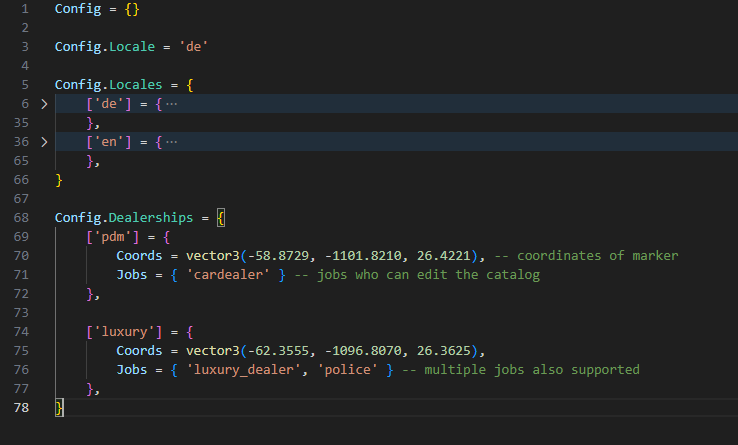
Multi-Location System: Create an unlimited number of dealerships across the map. Each location has its own coordinates, name, and separate inventory.
Dynamic Job System (Per Location!): Assign each catalog to one or more specific jobs (e.g.,
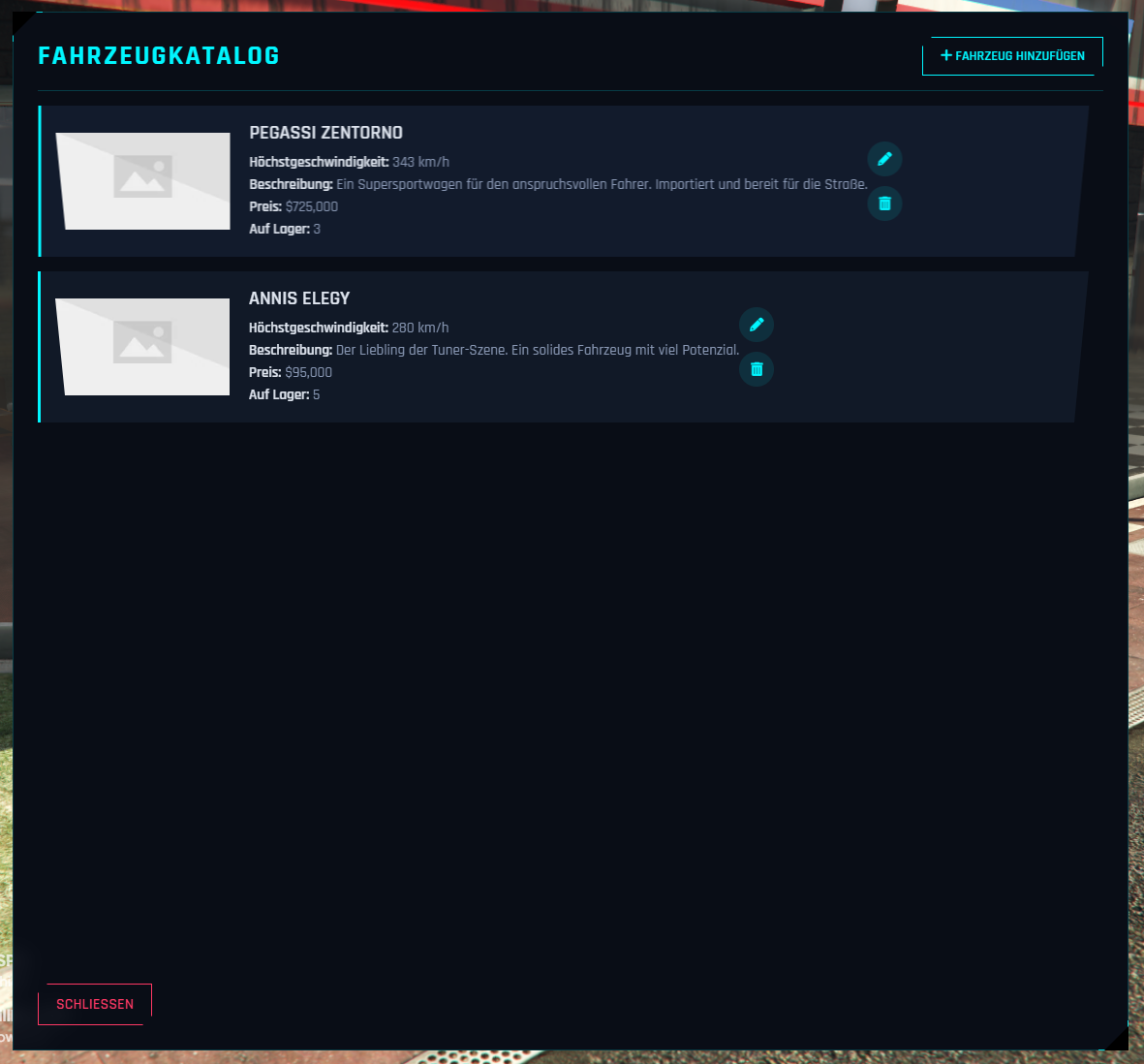
car_dealer,pdm_manager). Only players with the correct job can manage the catalog for their assigned dealership. Perfect for factions!Futuristic & Unique UI: A professional, sci-fi-inspired interface that stands out with sharp angles, neon glow effects, and a unique font. This design is a guaranteed eye-catcher on your server.
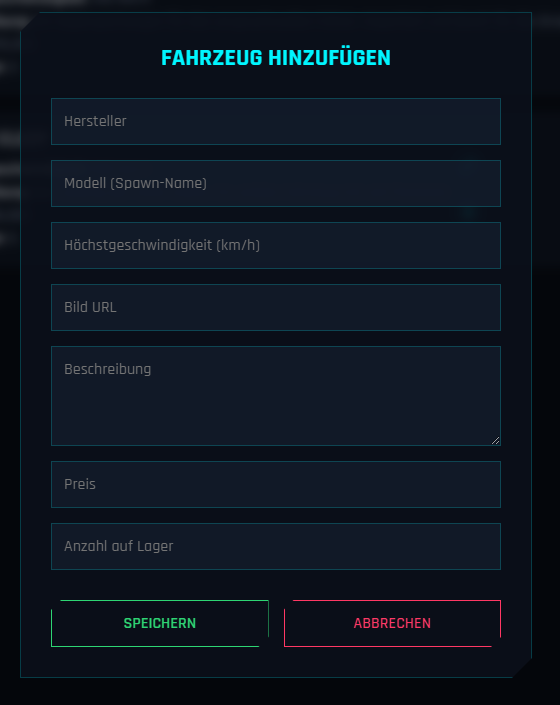
Complete In-Game Management: Authorized players can add, edit, or delete vehicles directly in-game. No more clunky database edits or admin intervention required.
Detailed Vehicle Display: Each entry in the catalog shows all vital information at a glance:
Manufacturer & Model
Top Speed
Vehicle Image (via URL)
An engaging description
Price
Stock Count
Easy Configuration: The
config.luais clean and easy to understand. Add new locations in seconds and customize all text for any language (English & German are included by default).Optimized Performance: This script is lightweight and designed to have no negative impact on server performance. It only runs checks when a player is near a configured dealership location.
🔧 Installation & Requirements
Requirement: ESX (tested with es_extended v1-final, should be compatible with most versions).
Installation:
Download and unzip the script.
Place the folder into your
resourcesdirectory.Customize the
config.luato your liking (locations, jobs, language).Add your vehicles to the
fahrzeuge.jsonfile, ensuring you use the correctdealership_idfor each.Add
ensure te_catalogto yourserver.cfg.Important: Clear your server cache before restarting to ensure the UI loads correctly.
📸 Screenshots
Offer your players more than just a menu—give them a business tool. This script is the perfect foundation for deep, economy-based roleplay.